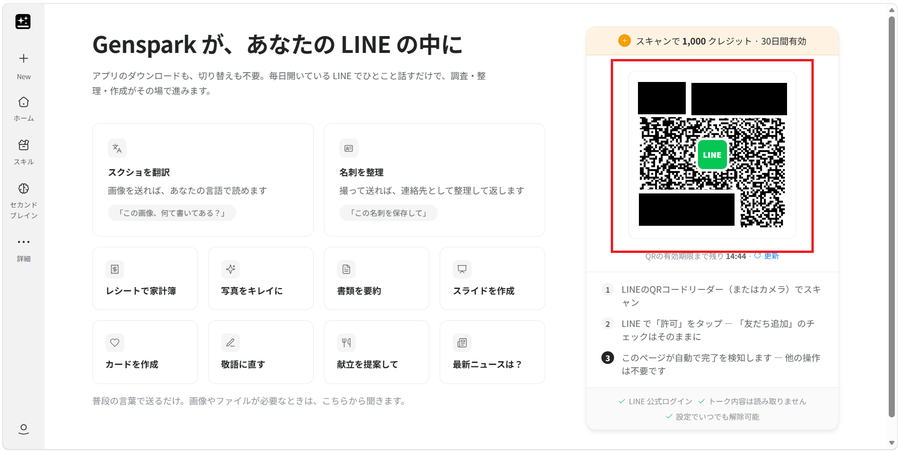
Genspark + LINE Is Surprisingly Convenient: Talk to AI on the Go

Genspark now connects to LINE, letting you ask questions, check your calendar and email, generate images, and check stocks — all from the LINE app you already use. This article covers how the integration works, credit consumption, the 1,000-credit signup bonus, and how to set it up.


How to Use Gemini Free for 4 Months | Google AI Pro Referral Offer Explained

Google's referral program lets eligible new users try Google AI Pro — Gemini's more capable models, Deep Research, and AI across Google apps — free for four months. This article explains how the offer works, who qualifies, what to try during the trial, and how to request one. Inquiries and the application form are handled in Japanese only.

How to Try Claude Pro Free for a Week | Use a Guest Pass to Try Claude Code Too

Claude's Guest Pass lets people new to a paid Claude plan try Claude Pro free for seven days, including Claude Code, Claude Cowork, and Claude Design. This article covers who's eligible, what's included, the payment-method requirement and auto-renewal, and how to request one — plus a form to claim one of the three passes I'm giving away.

How to Resume Claude Code After Closing PowerShell or Losing Your Session

A guide to resuming Claude Code from a previous session after you close PowerShell, lose your terminal window, or restart your PC. Covers when to use claude --resume versus claude --continue, what to check when the session you want does not appear, and how to name sessions to keep longer projects manageable.

10 Genspark Use Cases: Real-World Examples from Official User Stories

A look at 10 real-world Genspark use cases from Genspark's official "User Story" blog series, covering engineers, web creators, educators, filmmakers, finance professionals, marketers, illustrators, IT teams, and a global enterprise. Each example shows a different practical way people are actually using Genspark.

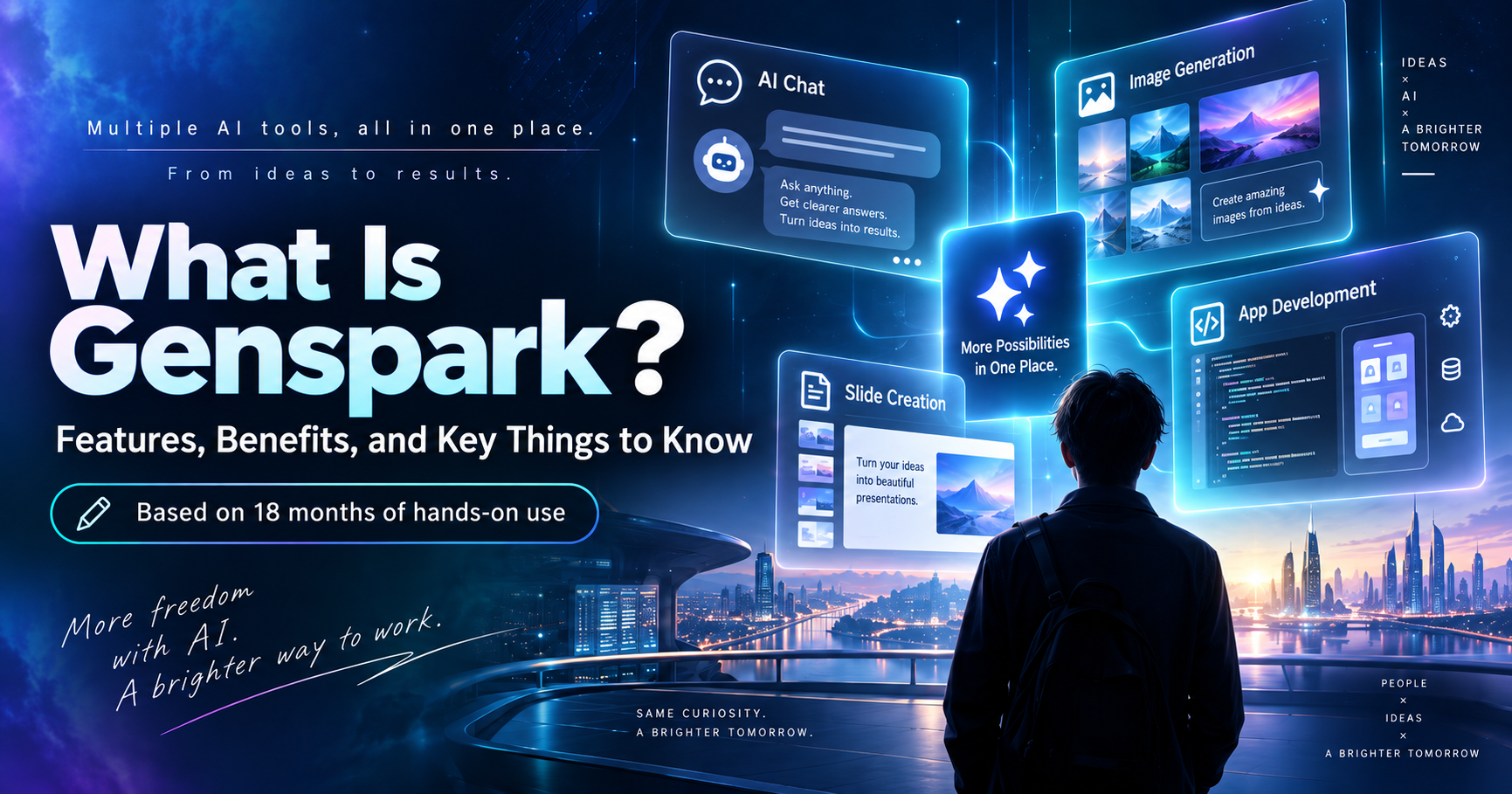
What Is Genspark? What You Can Do, Its Benefits, and What I've Learned After 18 Months of Use

After using Genspark for a year and a half, I explain what it actually is: an AI platform that brings ChatGPT, Claude, Gemini, image generation, slide creation, and even app development into one service. Based on hands-on experience, I cover how to log in, use the free plan, save credits, and get the most out of Genspark for PowerPoint, Excel, and Word, along with honest benefits and drawbacks.

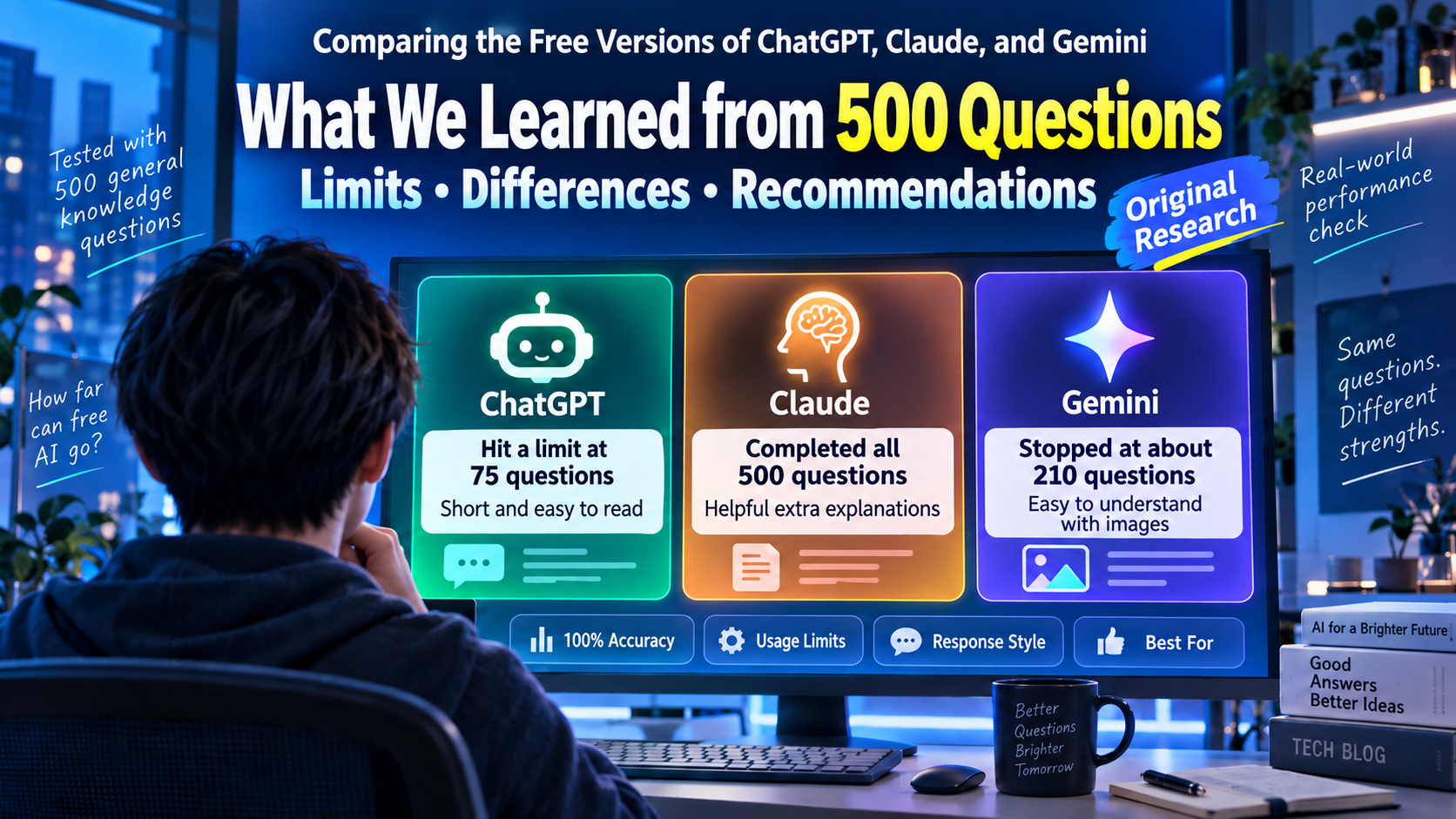
ChatGPT vs. Claude vs. Gemini Free Plans: What 500 Questions Revealed About Limits, Differences, and Which One to Choose

I ran the same set of general knowledge questions, up to 500 of them, against the free plans of ChatGPT, Claude, and Gemini. All three scored 100% accuracy on what they answered, but how many questions they could handle varied enormously: ChatGPT stopped at 75, Gemini at 210, and Claude completed all 500. Response styles were just as different. If you're trying to decide which free AI to use, here's what the actual numbers showed.

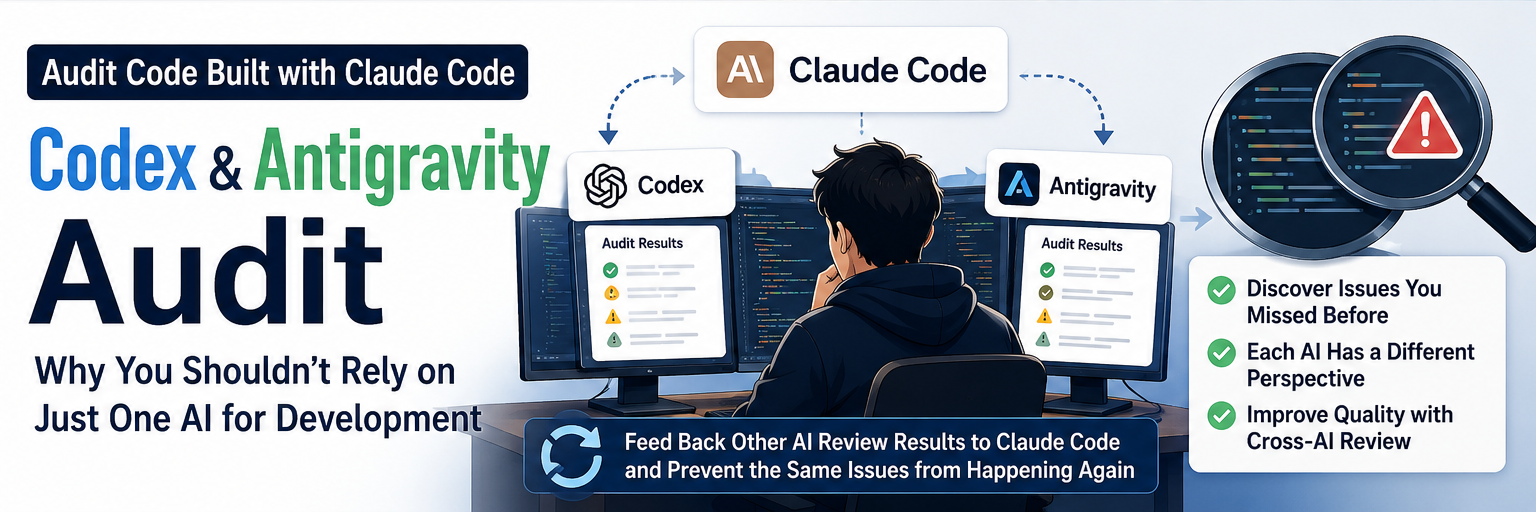
I Had Codex and Antigravity Audit Code Built with Claude Code — Right Now, I Don't Think You Should Rely on Just One AI

I've been using Claude Code as my main development tool, but when I had Codex and Google Antigravity audit the same sites, they kept finding problems I had missed. Antigravity and Codex also found different kinds of issues, and each had its own tendency to overstate severity. This is about the limits of asking the same AI to review its own work, and the workflow I currently find realistic: keep Claude Code as the main tool, but deliberately have another AI review the finished result.

I Tried GitNexus with Claude Code. The Code Analysis Is Useful, but I'm Not Sure I'd Use It All the Time

I tried GitNexus, a code-analysis tool that connects to Claude Code through MCP, on a project I'm actively developing. The first analysis showed truncation limits that looked like a free-plan restriction but turned out to be built-in processing limits. Its taint analysis found zero security issues, though a manual check turned up one very minor one. The Wiki generation feature impressed me the most, while the two things that worried me were stale analysis results and the fact that uninstalling GitNexus doesn't automatically remove its instructions from CLAUDE.md.

Is Gemini Really the Best AI for Google Products? Why Claude Code Was Faster for Google Workspace

I used to assume Gemini would be the most reliable AI for Google Workspace questions, since it's Google's own product. Lately its answers kept describing screens and settings that no longer matched reality. It turns out knowledge cutoffs and inconsistent search grounding are part of the story, and Google Workspace itself changes fast enough to make things worse. Asking Claude Code to check current docs before making changes has often been the faster path — here's what changed in how I pick which AI to ask.

Claude Code Remote Control: Using Your PC Dev Environment from a Smartphone

Claude Code has a Remote Control feature that lets you operate a PC session from your phone or another browser. After Termux stopped running newer Claude Code versions, I finally gave Remote Control a real try — syncing chat between PC and phone in real time, keeping it always-on via /config, sending files both directions, and working around the rough edges with OneDrive. Here's what actually worked.

What Is “GPT-Style Writing”? The Telltale Patterns You Start Noticing in ChatGPT-Generated Text

ChatGPT's Japanese output has a well-known set of tells that people casually call “GPT構文”: line-by-line paragraph breaks, a long warm-up before the point, overused transition words, and dramatic “not X, it's Y” contrasts. But does English have the same tells, or different ones? This article walks through the Japanese patterns, then looks at what English-language discussions of AI writing actually flag — from the em dash to overused vocabulary like “delve” — and how to edit a ChatGPT draft back into something that sounds like you.