
Genspark CLI Setup: API Key, Commands & Claude Code Integration

Genspark offers a CLI you can use with an API key. It's not an autonomous agent like Claude Code -- it's a way to call individual Genspark features (image generation, search, transcription, video generation) one command at a time. This guide covers getting your API key, installing the CLI, using commands like gsk img and gsk transcribe, and pairing it with Claude Code.
The Sales Revolution: How AI Image Generation Closes Deals on the Spot

AI image generation is reshaping frontline sales. In this post, I walk through a 3-step workflow — smartphone photo, instant AI rendering, on-the-spot quote — that lets sales reps deliver a photorealistic completion image and a ballpark figure during the pitch itself. Includes real implementation challenges and how AI agents can automate the follow-up.

Genspark Adds Three New AI Models: DeepSeek, Trinity & Minimax — Features and Hands-On Review

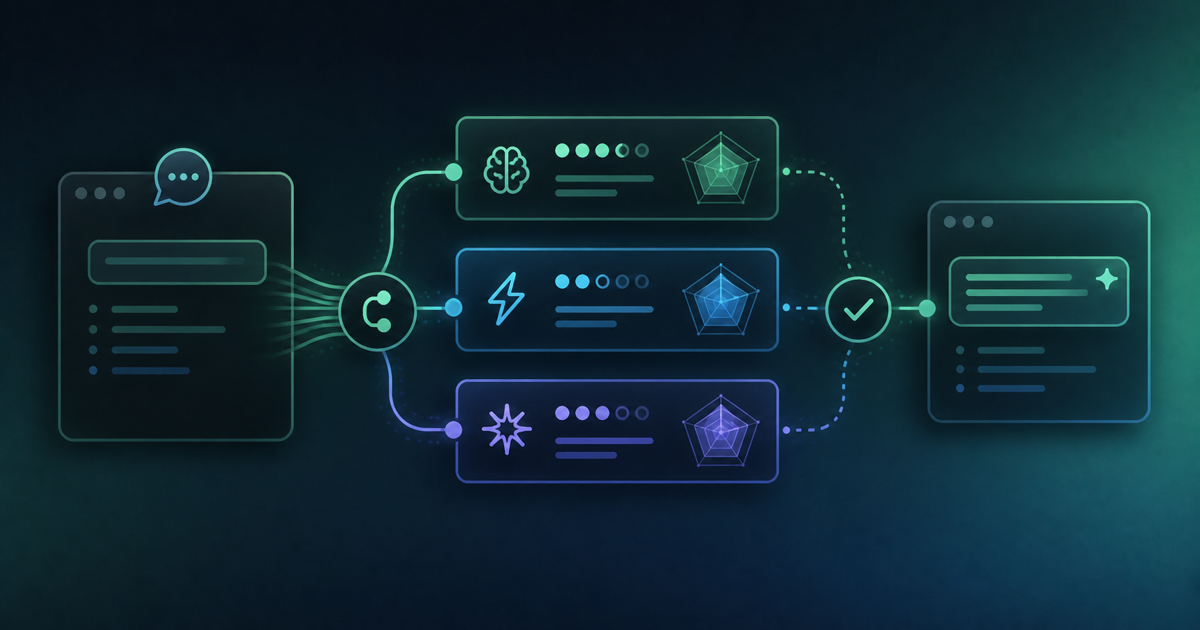
Genspark's AI chat has added three new models: DeepSeek V4 Pro (China), Trinity Large Thinking (USA · Arcee AI), and Minimax M2P7 (China · MiniMax). This post breaks down each model's background, online reception, and real-world performance — including an honest look at Japanese language support and what each one is actually best suited for.

My Real AI Subscription Costs in 2026: A Freelancer's Complete Breakdown

I'm laying out my entire AI subscription stack as of May 2026 — what I pay for, what I canceled, and what my costs look like after trimming the fat. Spoiler: Claude + Genspark as the core two, Cloudflare for $5/month infrastructure, and cutting ChatGPT, Perplexity, and GitHub Copilot saved around $40–50/month.

Genspark vs Perplexity: a thorough comparison! Which is optimal for engineers' development research?

A thorough comparison of Genspark and Perplexity from an engineering perspective. Perplexity excels at rapid fact verification with its Sonar engine, while Genspark specializes in complex research by utilizing Sparkpage and switching between multiple AI models. We will explain how to distinguish their usage in development settings.

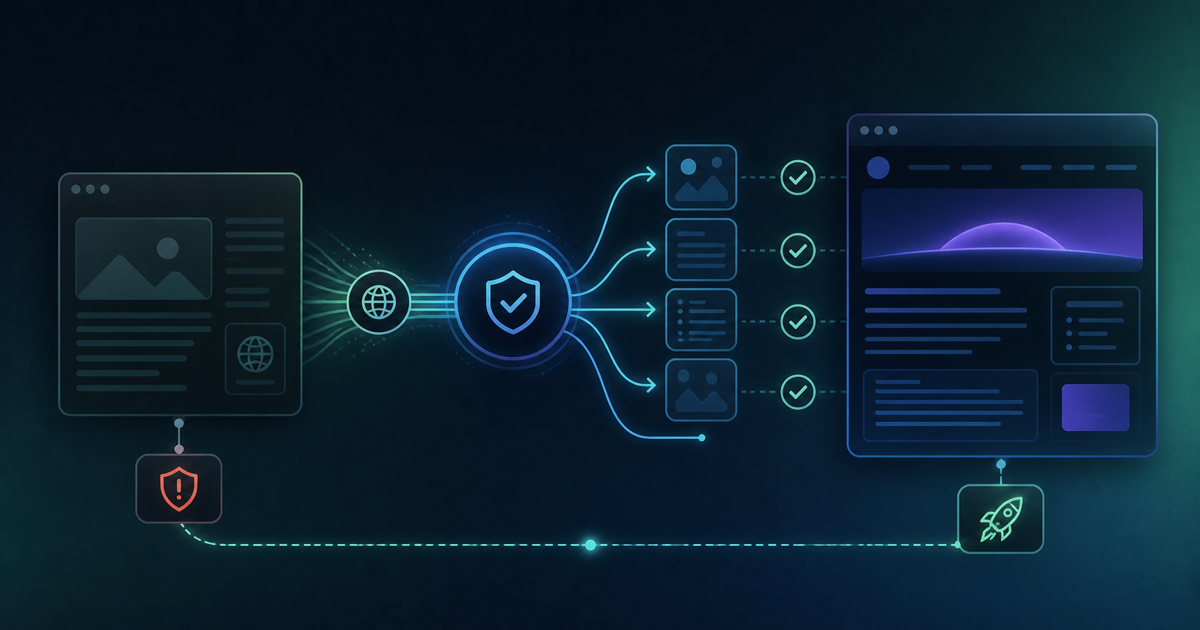
Is Genspark Safe for Business? Data Privacy, AI Training & Security Settings (2026)

This explains the essential security settings required to safely use Genspark in a corporate environment. We have compiled specific measures to prevent information leakage risks, including steps to turn off AI data retention, prohibiting the input of confidential information, and local processing of customer data.

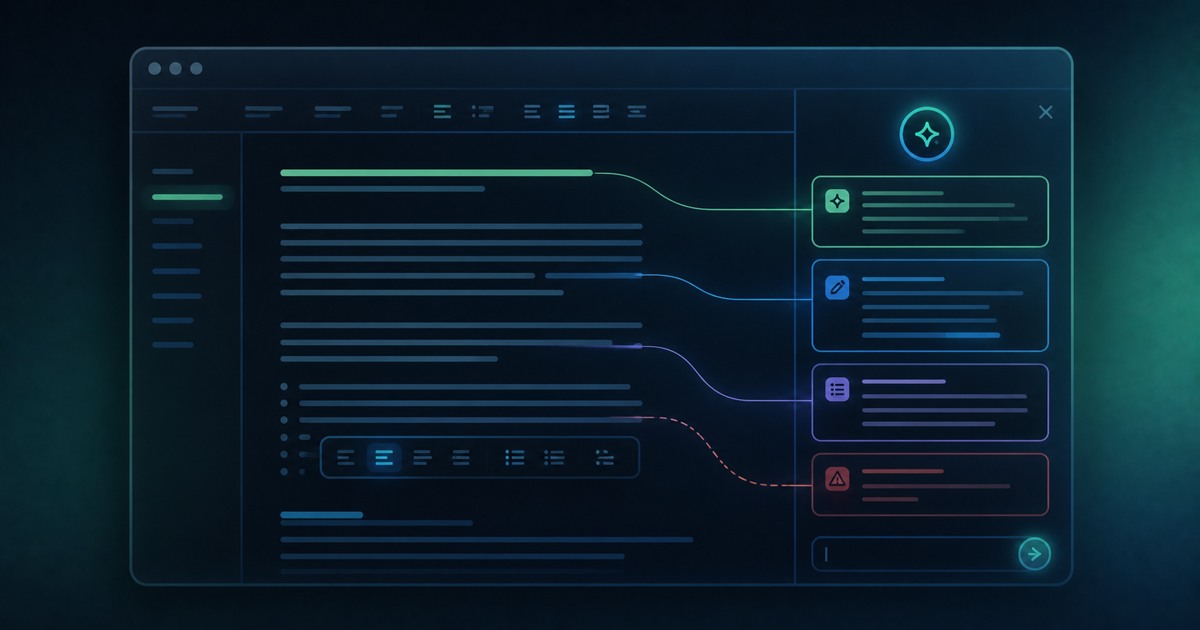
Tried Genspark for Word: An Honest Review of the Genspark 4.0 Word Add-in

Honest review of the Genspark for Word add-in from Genspark 4.0. Natural language instructions work well for formatting tasks, but the current version is less polished than the PowerPoint and Excel add-ins. Looking forward to future improvements.

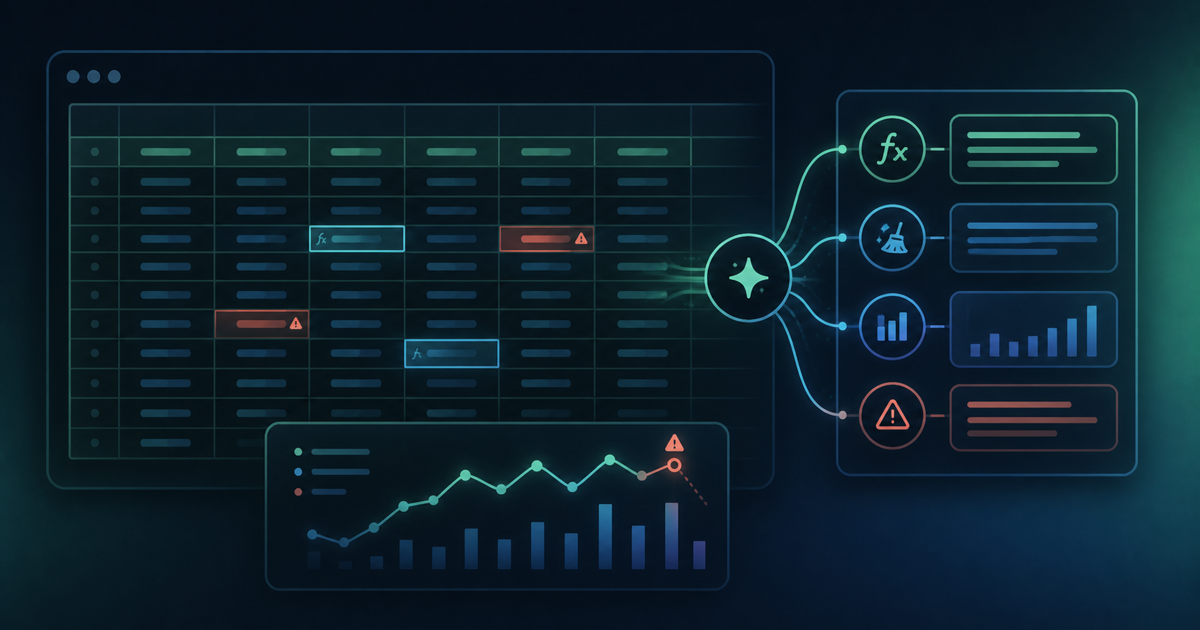
Tried Genspark for Excel: The Genspark 4.0 Excel Add-in Is Incredibly Useful

Hands-on review of the Genspark for Excel add-in from Genspark 4.0. Unlike the browser version, you work directly in Excel with a side chat panel. Generated Gaussian data, histograms, and statistical analysis all with simple chat instructions.

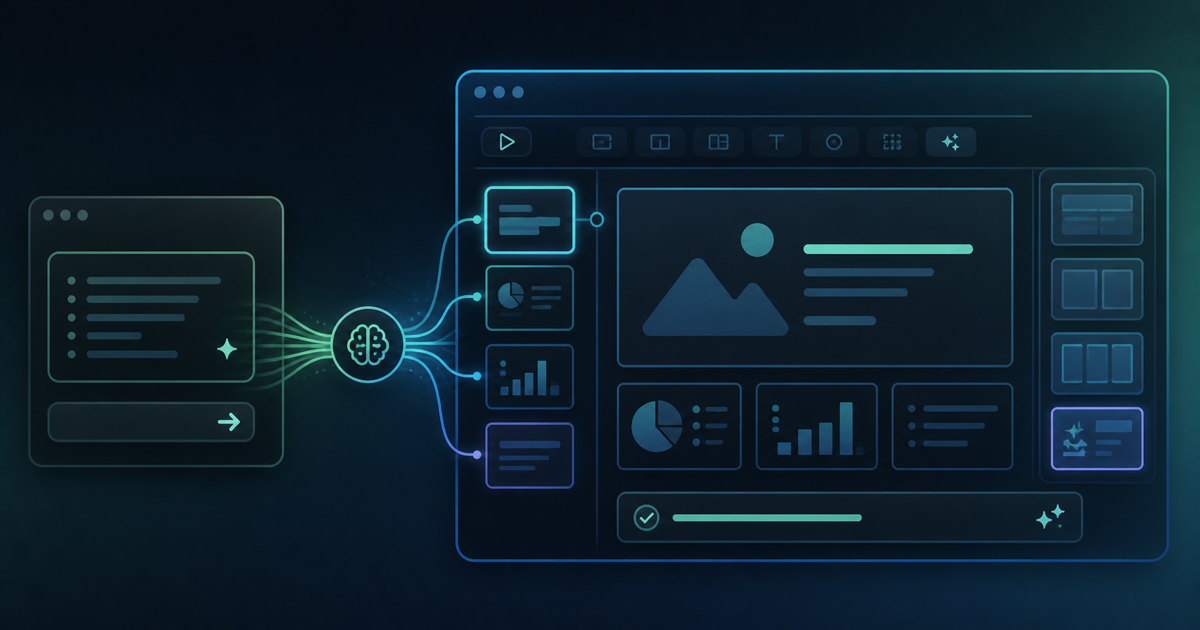
Tried Genspark for PowerPoint: A Deep Dive into the Genspark 4.0 PPT Add-in

Hands-on review of the Genspark for PowerPoint add-in introduced in Genspark 4.0. Unlike the browser version, it outputs directly to PowerPoint with no export step needed. PDF conversion issues are also resolved — a major upgrade for Microsoft Office users.

Site Renewal Announcement: Domain and Blog Title Change

We have updated our domain from genspark-dev-blog.com to ai-dev-blog.com and our blog title from "Genspark Dev Chronicles" to "AI Dev Chronicles." Old URLs will automatically redirect.