📁 Categories: Genspark Introduction

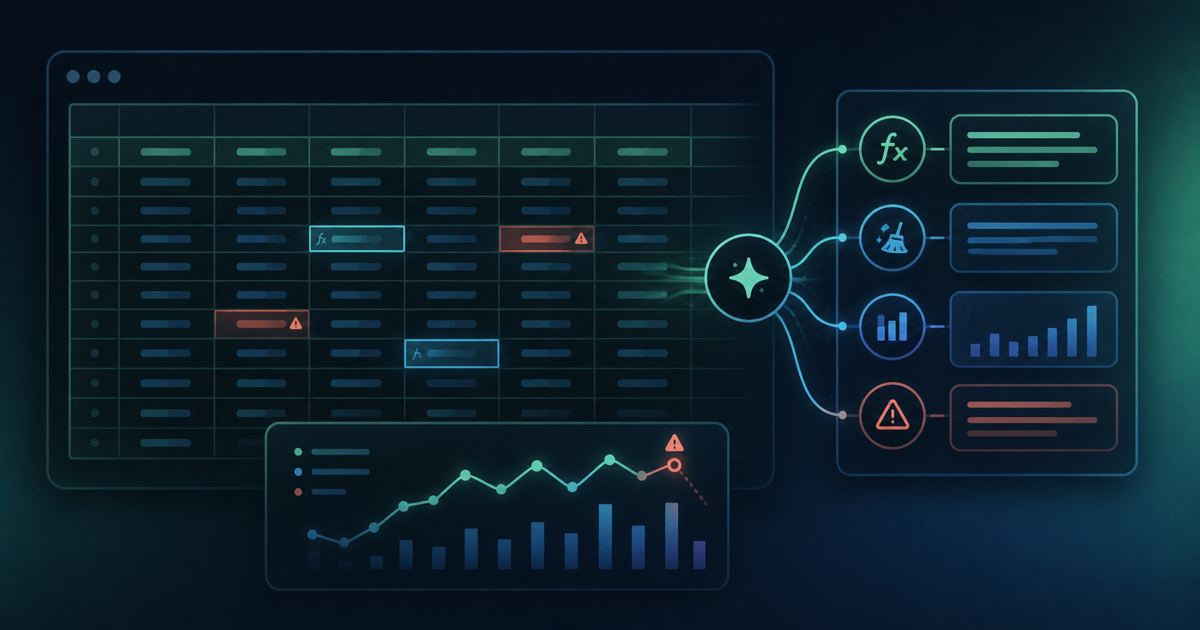
Tried Genspark for Excel: The Genspark 4.0 Excel Add-in Is Incredibly Useful

Hands-on review of the Genspark for Excel add-in from Genspark 4.0. Unlike the browser version, you work directly in Excel with a side chat panel. Generated Gaussian data, histograms, and statistical analysis all with simple chat instructions.
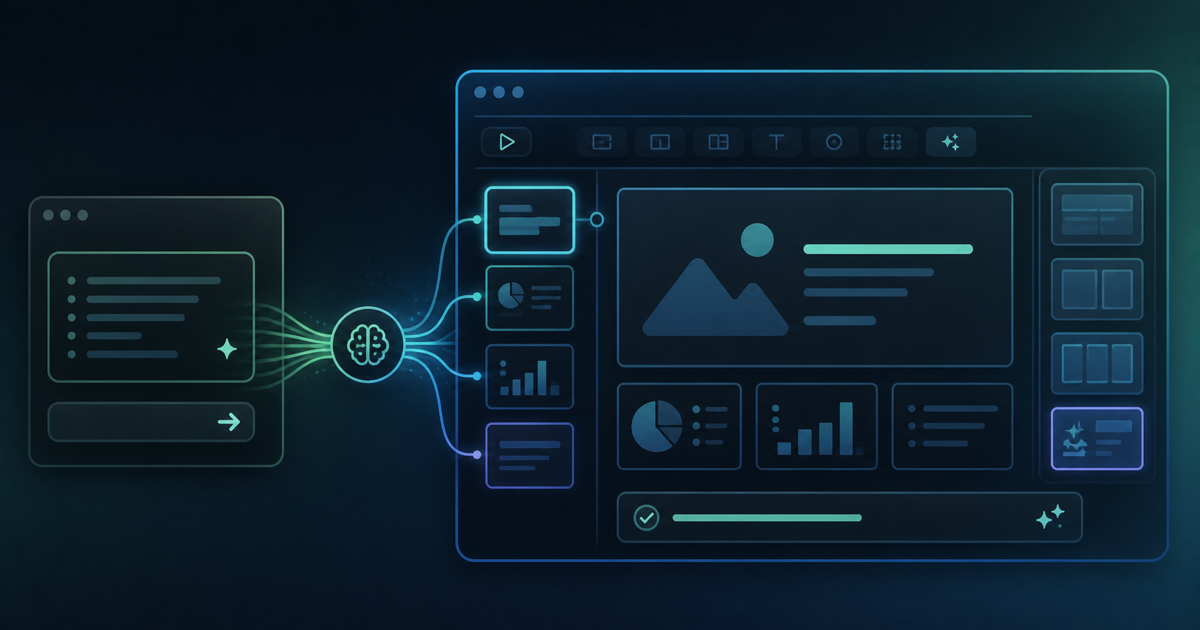
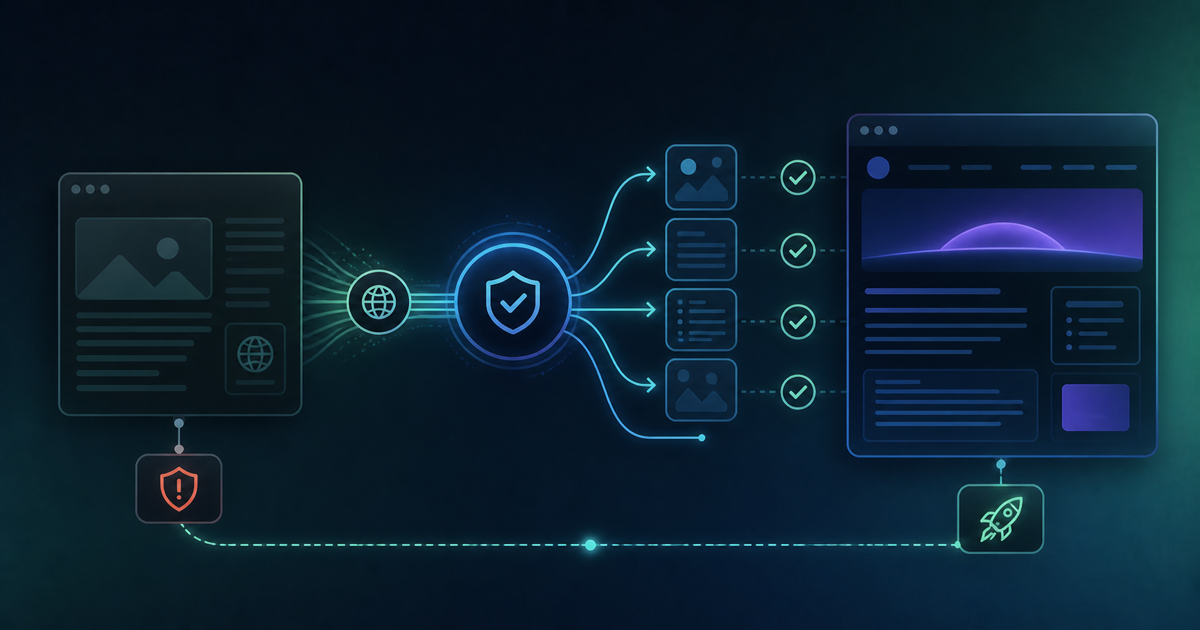
Tried Genspark for PowerPoint: A Deep Dive into the Genspark 4.0 PPT Add-in

Hands-on review of the Genspark for PowerPoint add-in introduced in Genspark 4.0. Unlike the browser version, it outputs directly to PowerPoint with no export step needed. PDF conversion issues are also resolved — a major upgrade for Microsoft Office users.

Site Renewal Announcement: Domain and Blog Title Change

We have updated our domain from genspark-dev-blog.com to ai-dev-blog.com and our blog title from "Genspark Dev Chronicles" to "AI Dev Chronicles." Old URLs will automatically redirect.

2026 latest: Genspark honest review! Reputation, evaluation & my real impressions after 1 year of use

If you search for "Genspark evaluation" or "Genspark review," old negative reviews will appear, but the current Genspark is completely different. An engineer who has used it daily for a year will provide an honest, no-holds-barred review, covering everything from PowerPoint creation and smartphone development to pricing plans. This is the latest 2026 complete guide to avoid being misled by old reviews.

Genspark Pricing 2026: Free vs Plus vs Pro, Credits & Limits

A detailed explanation of the differences between Jenspark's free and paid versions, and its basic pricing plans. We've also put together how to choose the most cost-effective $19.99 plan, credit-saving techniques, and information on the new feature Claw.

The reality of Genspark PPT creation! The fastest method is "80% AI, 20% manual work" [seminar material summary & practical examples]

We explain the reality of AI-powered PowerPoint generation with Genspark. We introduce, with practical examples, why "80% AI, 20% manual work" is the golden ratio, and how to utilize a smartphone to photograph seminar handouts and handwritten notes to convert them into PPTs. Includes a downloadable sample PPTX.

Is it okay to close your PC while creating documents in Genspark?: why reloading when it freezes is a bad idea

Is it okay to close the browser while Genspark is generating slides or Super Agent is processing? We explain from an engineer's perspective why an F5 reload is absolutely forbidden when it freezes, and the correct procedure to "reopen from history" to prevent double credit consumption. We also introduce how to check on a smartphone.

Genspark AI Video: Sora 2 vs Veo 3, Credits & Limitations (2026)

An in-depth guide to Genspark's AI video generation features. We've summarized, from a general perspective, how you can use Sora 2 without watermarks via Genspark, its differences from Veo 3, a comparison with professional video generation tools, and important points regarding credit consumption.

I tried Genspark's "Call For Me" call delegation feature: the age of AI making calls for you

An explanation of Genspark's "Call For Me Agent." We've compiled an overview from a general perspective, covering its mechanism, usage, application scenarios, and important considerations. This function allows AI to call restaurants and businesses on behalf of users to automatically make reservations and inquiries. This information is helpful for those who dislike making phone calls and busy business professionals.

Genspark AI Workspace 3.0 complete guide: the era of "AI at Work" has begun

We thoroughly explain Genspark's "AI Workspace 3.0," announced in March 2026. This covers everything from "Genspark Claw," the flagship feature that autonomously performs tasks across multiple applications, to 5 new features including Workflows, Meeting Bots, and a Chrome extension, over 80 integrated AI models, and pricing plans.

How to accelerate your team's AI utilization in Genspark's Teams Workspace

Explaining Genspark's Teams Workspace and Hub features. We introduce the characteristics, use cases, implementation steps, and points to note for a system that allows all team members to share the same AI environment and collaborate while the AI remembers the project's context. This is a guide for those who want to start utilizing AI at a team scale, beyond individual use.

Genspark AI Search vs Google: Which Is Better for Research?

We'll thoroughly explain the differences between Genspark's AI Search and Google Search. While Google returns the location of information, Genspark provides a complete report (Sparkpage) integrating multiple sources. We'll explain how to strategically use Genspark, which is strong for research, document creation, and market research, and Google, which is strong for instant searches, depending on the scenario.